A Buildkite client for iPhone.
Check pipelines, inspect builds, read grouped logs, and trigger new runs — built for iOS 26.
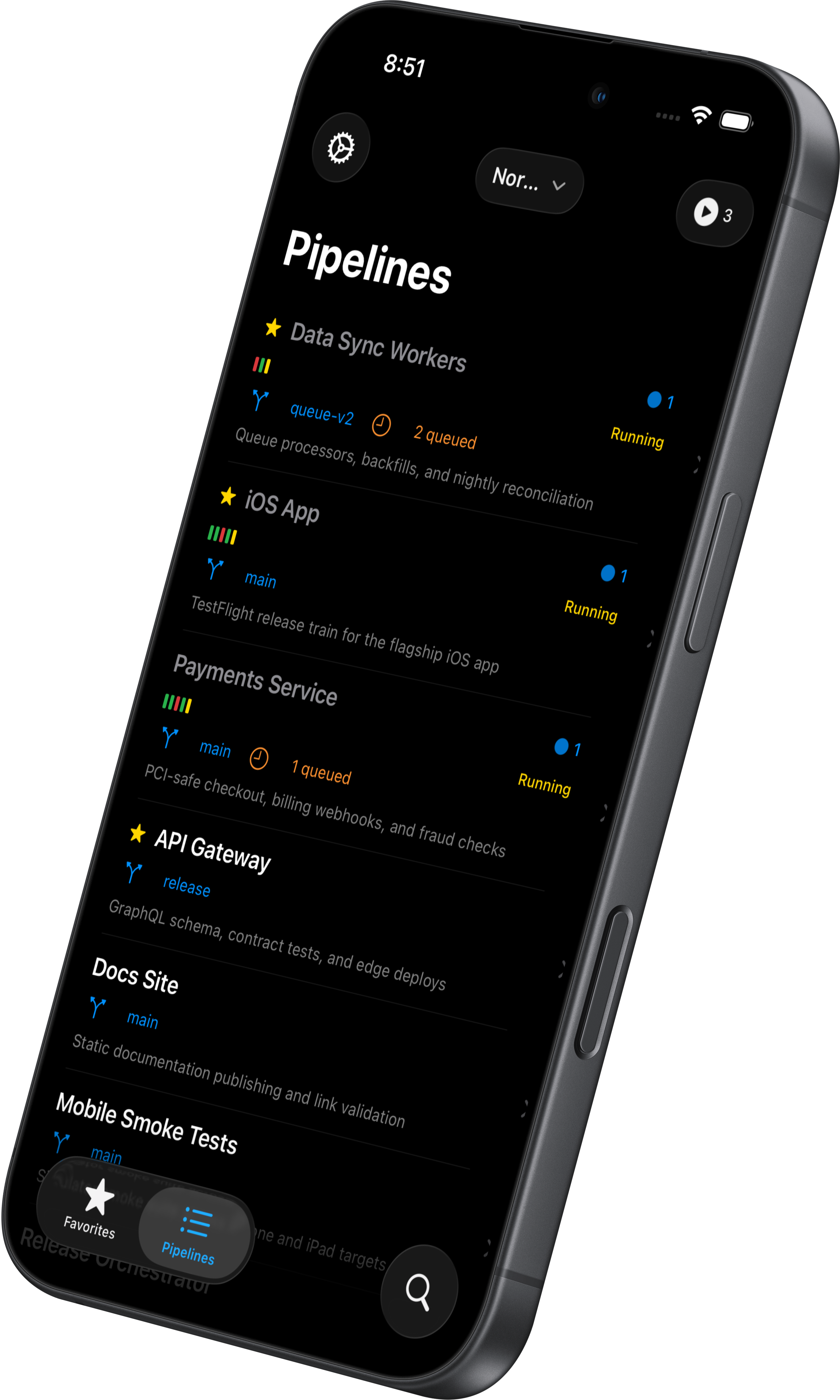
Check pipelines, inspect builds, read grouped logs, and trigger new runs — built for iOS 26.
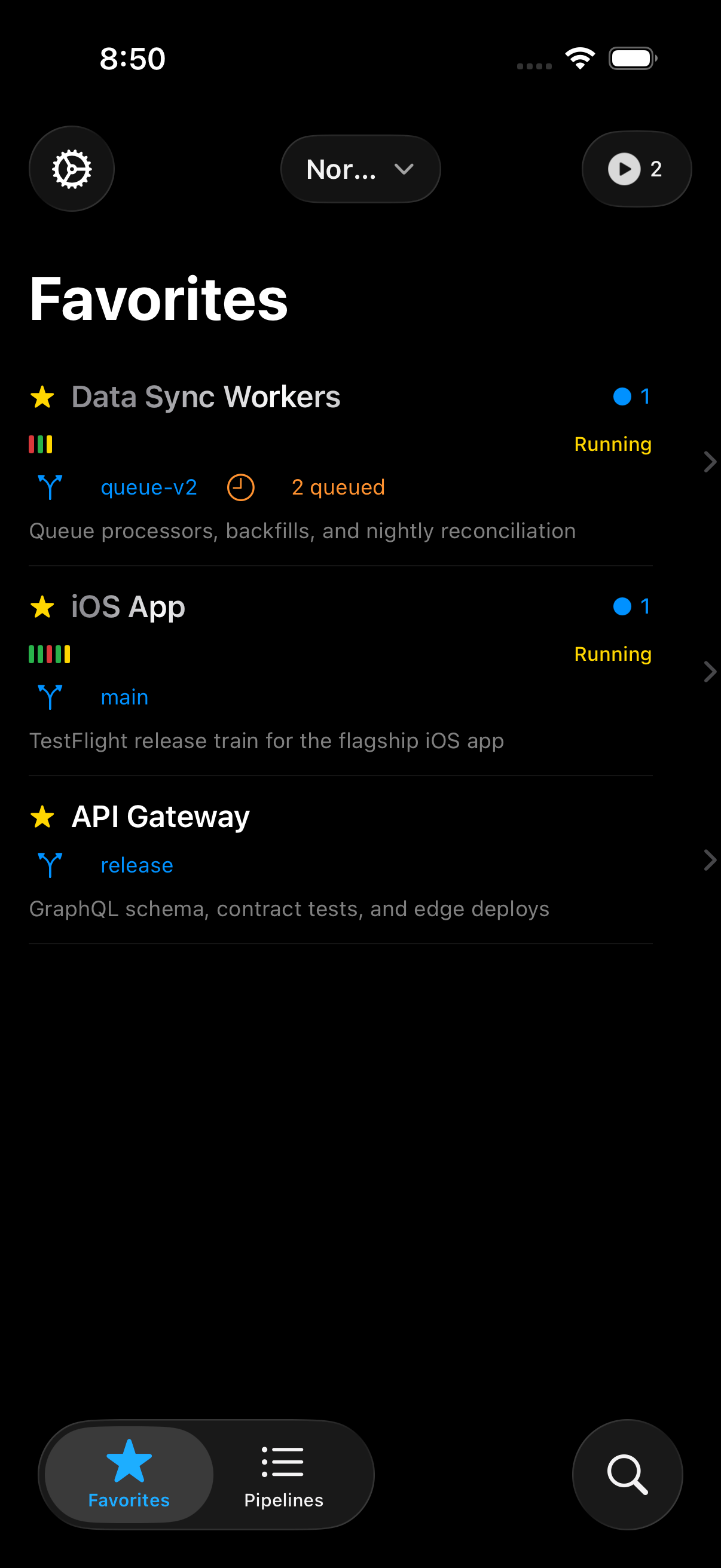
Star a pipeline and it shows up first, every launch.
Pipeline name, branch, status, and running count — sorted exactly how you left them, on a phone-friendly canvas.
Browse the full list, or search across the org and jump straight into the right one.
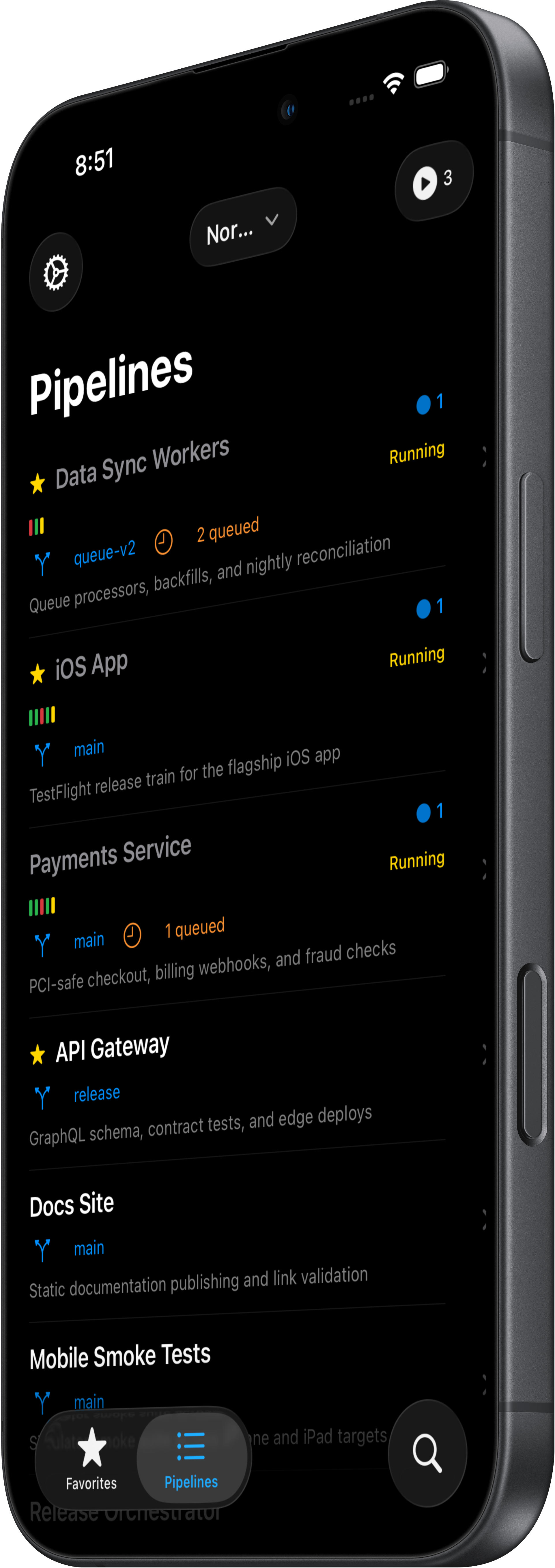
Switch organizations from the top bar. Tap any pipeline to see its build history. Search to find a pipeline by name from anywhere in the app.
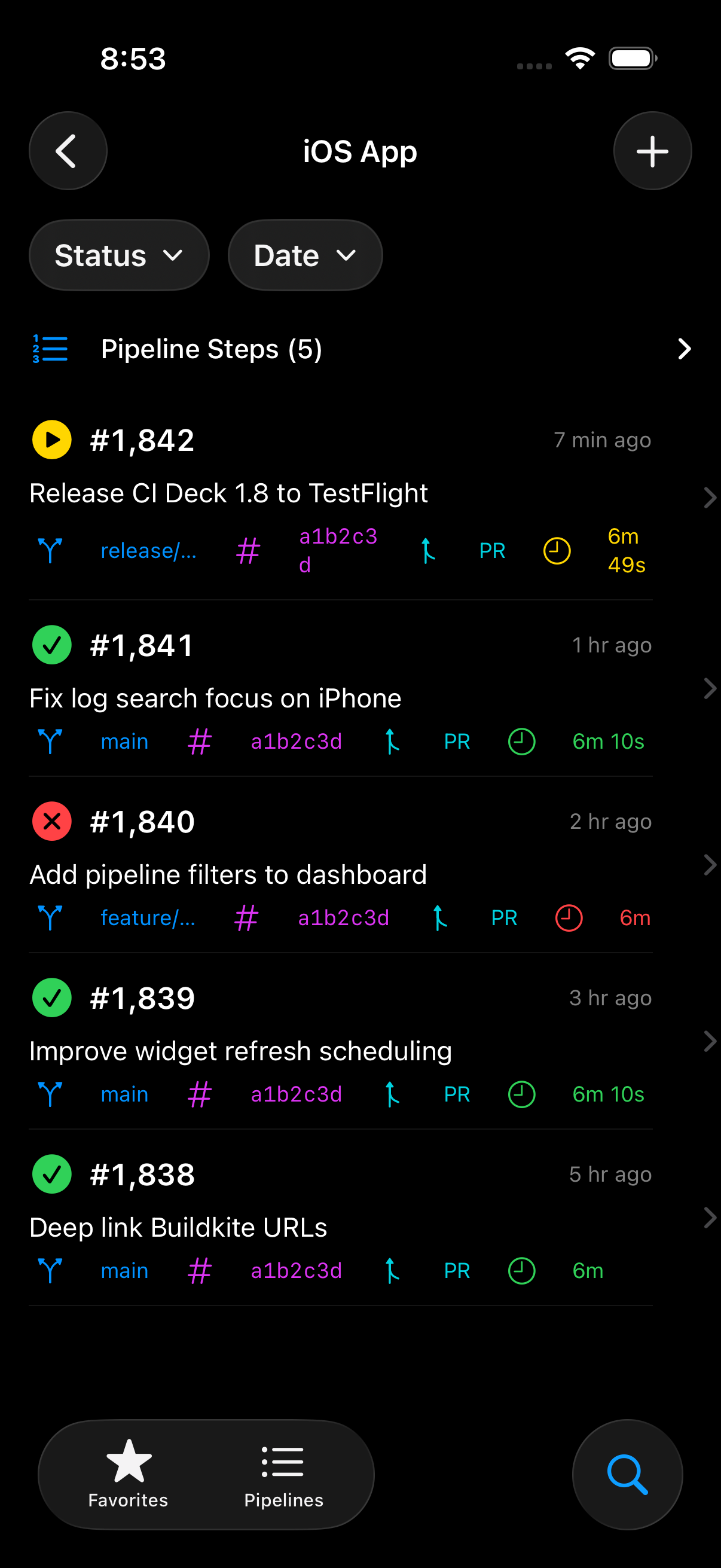
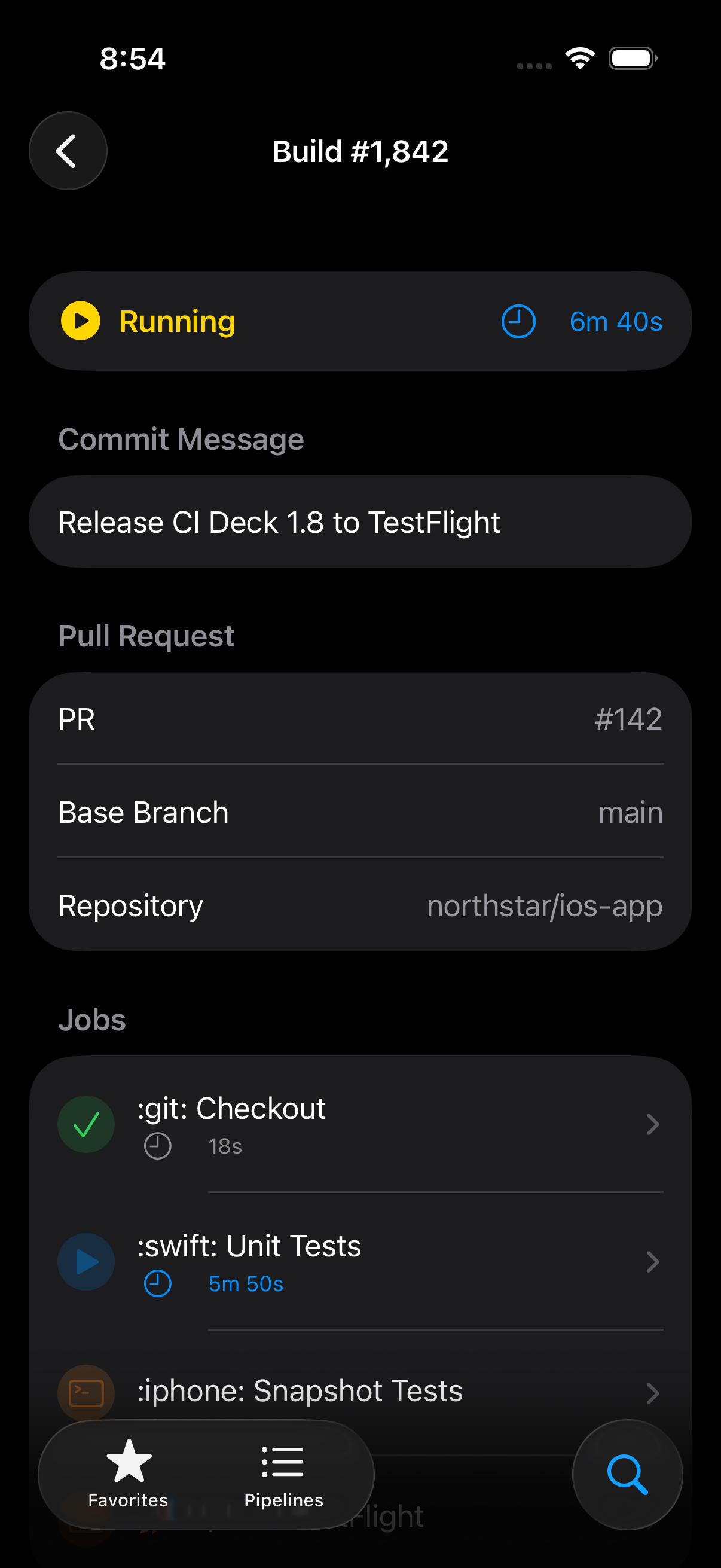
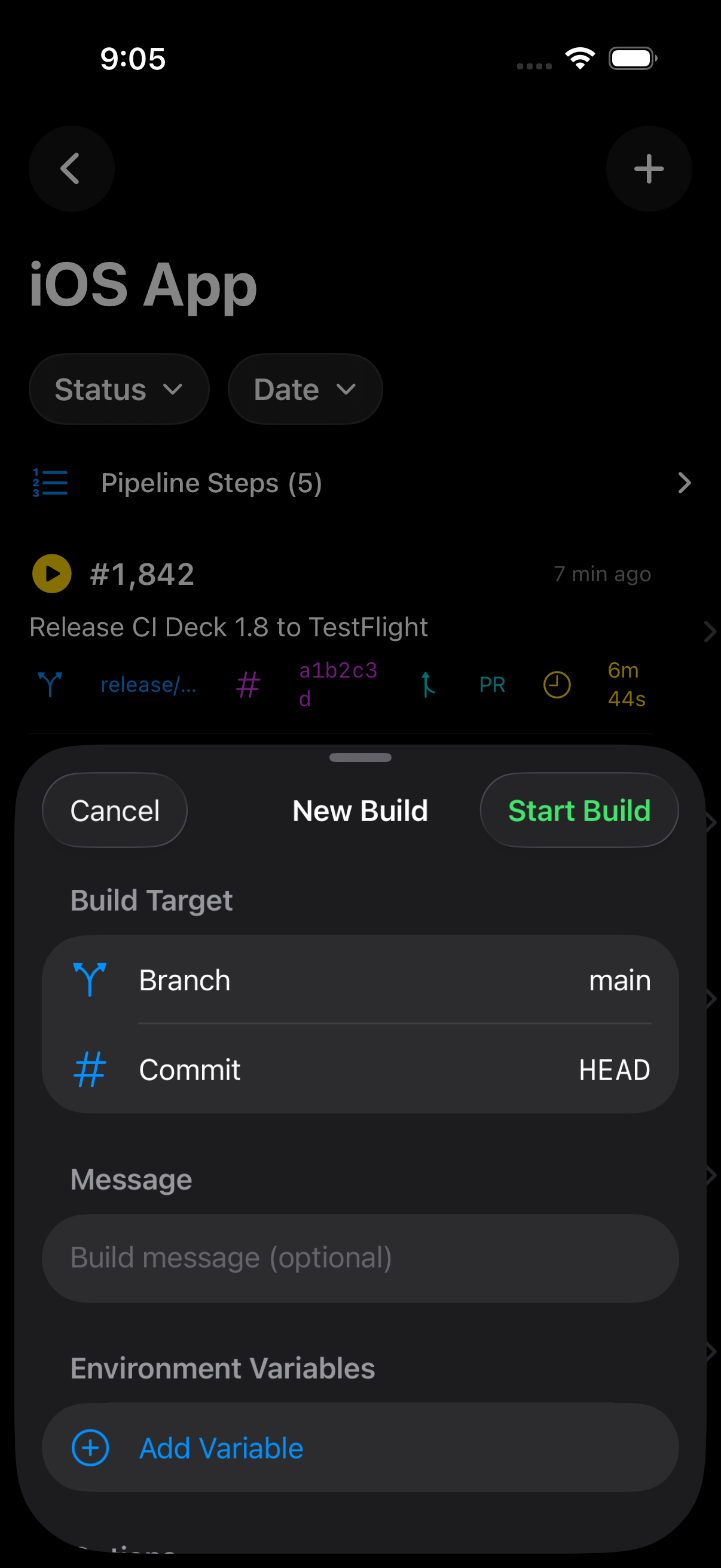
From history to detail to logs — and trigger a new run when you need one.
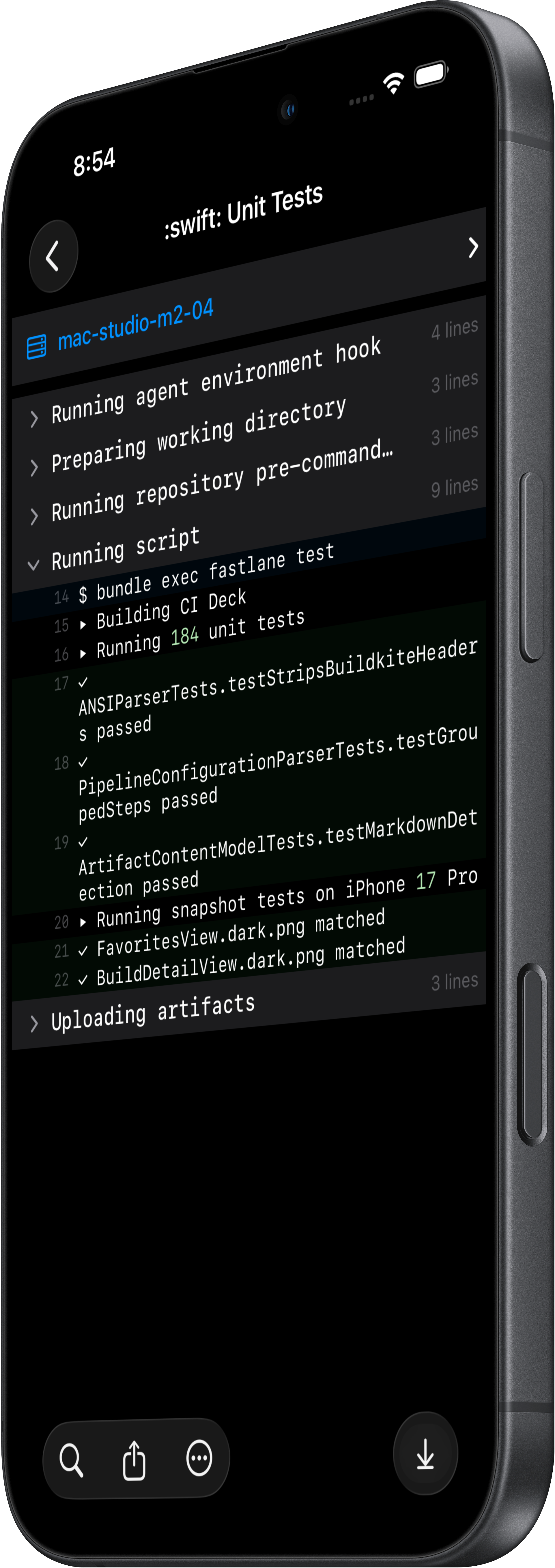
Real terminal output, sectioned by the same --- :icon: groups you write in your pipeline.yml. Expand inline.
Collapsible sections with line counts. Tap a header to expand the group. Open a text artifact straight from the job.
Pin any pipeline to your Home Screen. The widget updates in the background.
App Intents expose CI Deck actions to Siri and Shortcuts.
CI Deck deep links open supported pipelines, builds, and jobs.